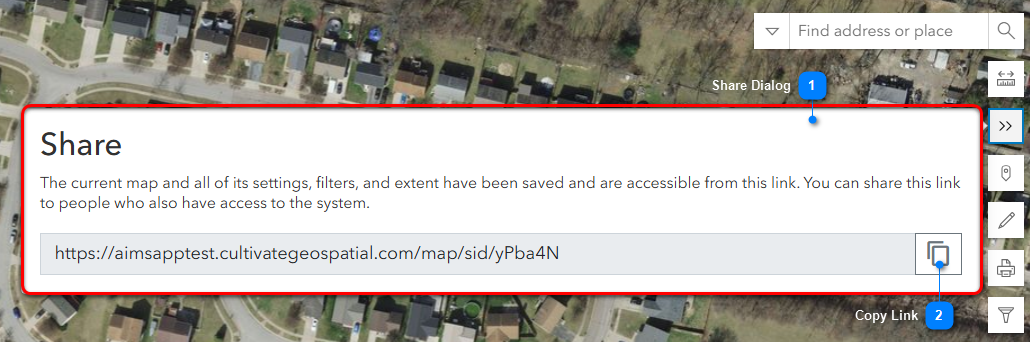
The Share Map tool creates a URL of the current configuration of map data. This includes any filters that were applied in the current map extent of the Map Viewer.
The URL is sharable with other named users within your organization. The shared link maintains the order of groups and layers in the Layers tab, with one exception: the the My Layers group will always appear at the top. Learn more about reordering groups and layers here: Reorder Groups and Layers.
NOTE: Any applied filters to the data appear as a notification to the user when the link is accessed. The user has the ability to change or add new filters if necessary.
Follow the numbered instructions below the illustrations to share the map configuration URL.
Share Dialog
Click the Share icon from the vertical toolbar on the right side of the map:
The Share dialog then opens.
Copy Link
Click the Copy Link icon to copy the link to your computer clipboard.
Paste the link into an email or document, and then and share it with others in your organization.
NOTE: Anyone who is receiving the email or document must have a login to Portal for ArcGIS.