You can easily clear any spatial filters you defined and start over.
BEFORE YOU BEGIN: Make sure the Condition Map is visible.
1.Make sure the Condition Map is visible.
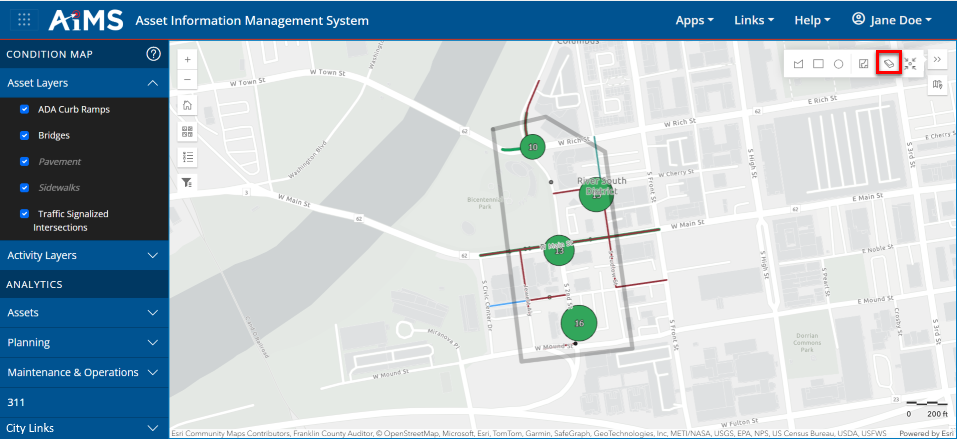
2.Click the Spatial Filter icon from the spatial toolbar on the right:
3.The Filter by Shape toolbar expands:
4.To clear your current spatial filter and any other spatial filters you might have applied, select the Clear spatial features icon:
5.You have now cleared your current spatial filter and any other spatial filters you might have applied. The shape disappears form the screen, whether it was a polygon, rectangle, or circle. You are automatically zoomed out.