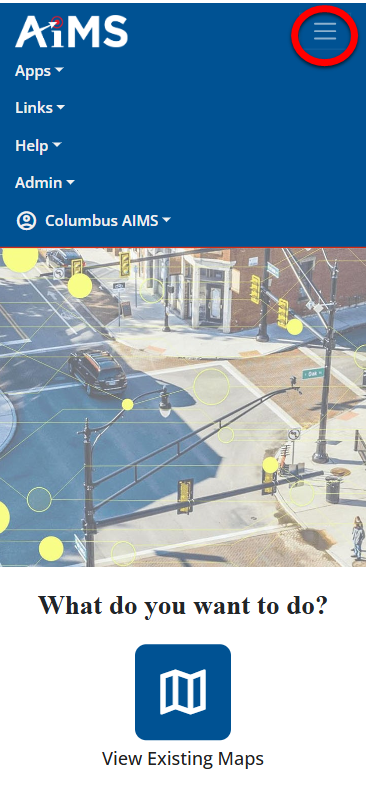
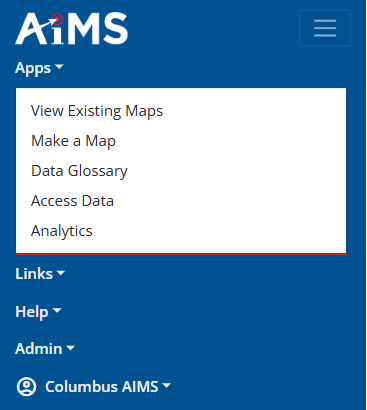
When you select the Apps option, you get a drop-down menu that provides access to these modules: View Existing Maps, and Make a Map.
B. Links
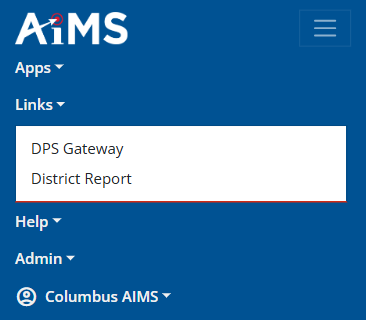
When you select the Links option, you get a drop-down menu that provides links to internal webpages. In this example, the link is DPS Gateway. When you select the link, a new browser window opens containing the the contents of that link.
C. Help
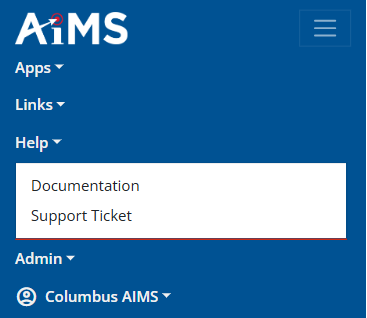
When you select the Help option, you get a drop-down menu that provides links to documentation and internal support tickets.
•Mobile Documentation - Displays the Help document you are reading.
•Support Ticket - Displays the City of Columbus support ticket application