To open the Map Library, tap View Existing Maps from the home page.
1.The Map Librarydisplays all the available maps you can view. You must swipe downward to see the entire list of maps.
B. Filter Maps in the Map Library
The Map Library contains many maps. To limit the maps listed to only those in a particular group, use Map Filters. NOTE: If you select All under Map Filters, ALL maps in the library are listed.
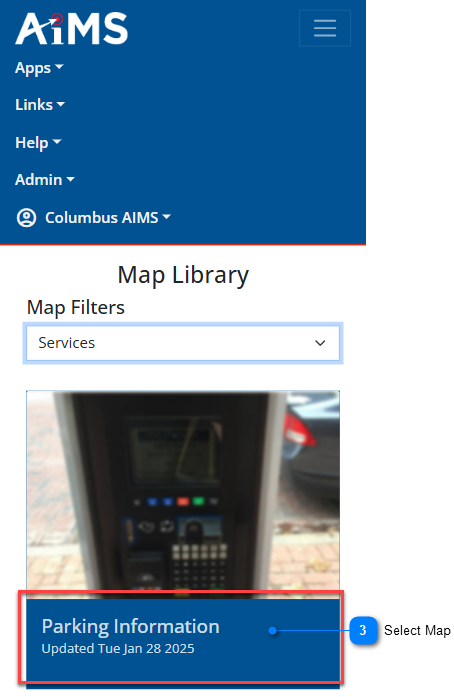
Follow the numbered instructions beneath the illustration to filter the maps listed in the Map Library.
Map Filters Drop-Down
Tap the drop-down arrow for Map Filters.
Choose Group
From the drop-down list, tap a particular group to see only the maps in that group.
Select Map
Once you see the maps associated with that group, tap the map image you are interested in.


.png)
.png)
-number-1.png)
-number-2.png)

.png)
-number-4.png)