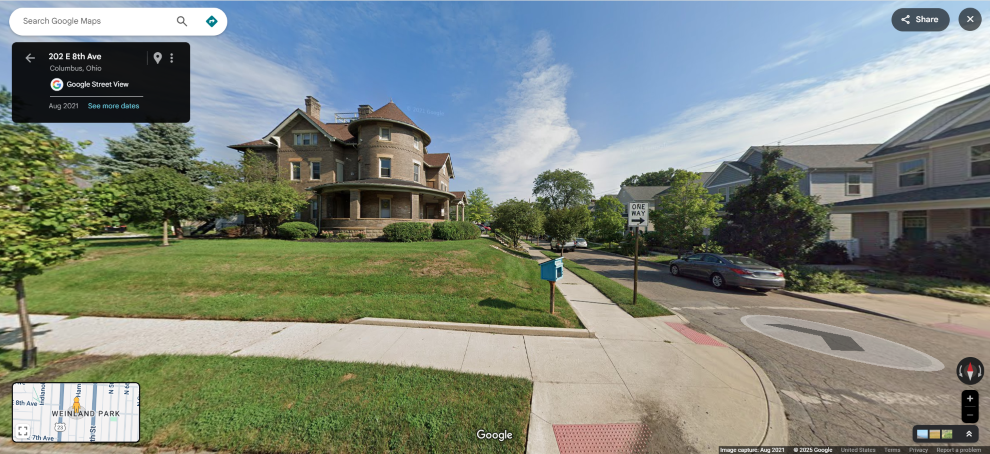
Navigation: Make a Map > Work with General Tools > Google StreetView The Google StreetView tool lets you select a location on the map and then open its street view in another window or browser tab. 1.Click Google StreetView and then move the mouse. The cursor changes to a giant, black "+" sign. 2.Move the cursor at a location on the map and click. 3.The street view opens in another window or browser tab. 4.To close the street view, simply close the window or browser tab and return to the map, Copyright © 2026 Cultivate Geospatial


.png)